Best WordPress Plugins Every Small Business Website Should Use
WordPress is one of the best platforms for small business websites because it is flexible, affordable, and easy to manage. But to make a WordPress website more powerful, secure, fast, and business-ready, you need the right tools.
The right WordPress plugins can help you add important features without writing custom code. A small business website can use them for SEO, security, speed, contact forms, backups, WhatsApp chat, analytics, and lead generation.
Why WordPress Plugins Are Important
Plugins help small businesses improve website performance and user experience. Whether you want to collect leads, rank on Google, protect your website, or improve loading speed, plugins can make your work easier.
Plugins can help with:
- SEO optimization
- Website security
- Contact forms
- Speed optimization
- Image compression
- Website backups
- WhatsApp chat
- Analytics tracking
- Social sharing
- Spam protection
For small businesses, these features are important because they help the website look professional, work properly, and support customer enquiries.
1. SEO Plugin
An SEO plugin helps your website become more search-engine friendly. It allows you to add meta titles, meta descriptions, focus keywords, sitemaps, and basic SEO settings.
Recommended SEO plugin options:
- Rank Math SEO
- Yoast SEO
- All in One SEO
Benefits:
- Helps optimize pages and blogs
- Creates XML sitemap
- Improves search visibility
- Helps manage meta titles and descriptions
- Supports local SEO and schema options
For small businesses, SEO setup is very important because it helps your website appear better on Google and reach customers who are already searching.
2. Cache and Speed Optimization Plugin
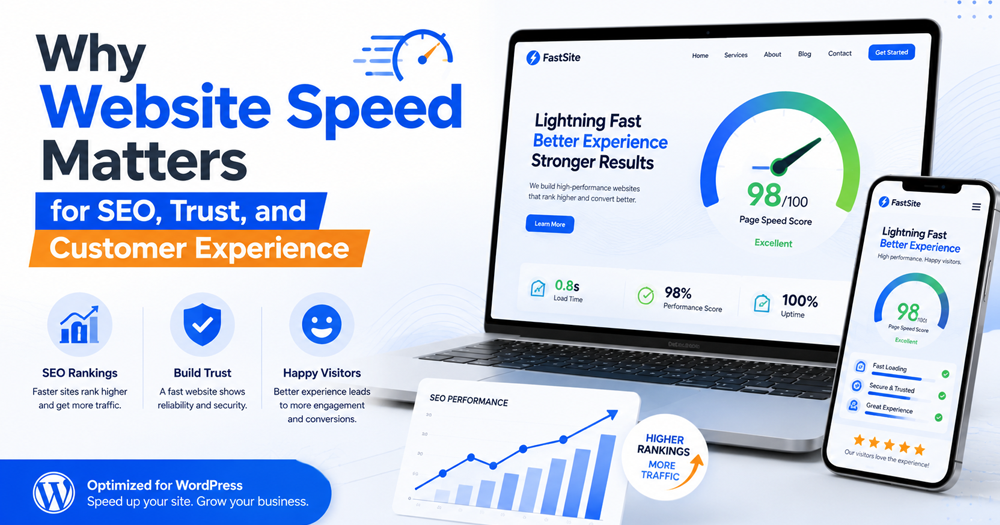
Website speed is important for user experience and SEO. A slow website can reduce enquiries because visitors may leave before the page opens.
Recommended speed plugin options:
- LiteSpeed Cache
- WP Rocket
- W3 Total Cache
- WP Fastest Cache
Benefits:
- Improves page loading speed
- Reduces server load
- Supports caching
- Helps with CSS and JavaScript optimization
- Improves mobile performance
If your hosting supports LiteSpeed server, LiteSpeed Cache can be a strong option for improving WordPress website speed.
3. Security Plugin
A business website must be protected from malware, spam, login attacks, and suspicious activity. A security plugin helps keep your website safer.
Recommended security plugin options:
- Wordfence Security
- Solid Security
- Sucuri Security
Benefits:
- Malware scanning
- Firewall protection
- Login security
- Brute-force attack protection
- Security alerts
- Two-factor authentication options
Security is not optional. If your website gets hacked, it can damage customer trust and search visibility.
4. Backup Plugin
Every small business website should have regular backups. If something goes wrong during an update, plugin conflict, or hacking issue, backup can help restore your website.
Recommended backup plugin options:
- UpdraftPlus
- BlogVault
- BackWPup
- Duplicator
Benefits:
- Saves website files and database
- Easy restore option
- Cloud backup support
- Protection from data loss
- Useful during website migration
A backup setup gives peace of mind and protects your business website from sudden problems.
5. Contact Form Plugin
A contact form helps visitors send enquiries directly from your website. It is useful for service businesses, agencies, coaching centers, consultants, and local businesses.
Recommended form plugin options:
- Fluent Forms
- WPForms
- Contact Form 7
- Forminator
Benefits:
- Collects customer details
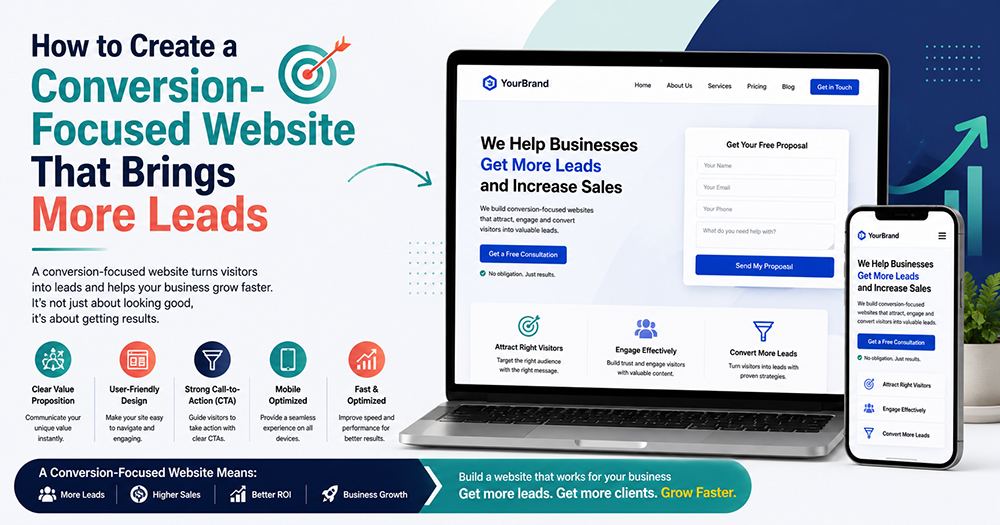
- Supports lead generation
- Easy form creation
- Email notification support
- Useful for quote requests and bookings
Keep your forms short. Ask only for name, phone number, email, and message in the beginning so users can submit quickly.
6. Image Optimization Plugin
Heavy images can slow down your website. Image optimization tools compress images and help improve loading speed.
Recommended image plugin options:
- ShortPixel
- Imagify
- Smush
- EWWW Image Optimizer
Benefits:
- Reduces image size
- Improves website speed
- Supports WebP format
- Better mobile performance
- Helps user experience
Before uploading images, always use proper size and compress them. This keeps your website cleaner and faster.
7. WhatsApp Chat Plugin
For Indian small businesses, WhatsApp is one of the easiest ways to generate leads. A WhatsApp chat button allows visitors to contact you instantly.
Recommended WhatsApp plugin options:
- Click to Chat
- Joinchat
- WP Social Chat
Benefits:
- Quick customer communication
- More enquiries
- Easy mobile interaction
- Better lead response
- Useful for local businesses
A visible WhatsApp button can increase customer enquiries, especially on mobile devices.
8. Analytics Plugin
Analytics helps you understand how visitors use your website. You can track traffic, popular pages, user behavior, and marketing performance.
Recommended analytics plugin options:
- Site Kit by Google
- MonsterInsights
- Independent Analytics
Benefits:
- Connects Google Analytics
- Tracks website visitors
- Shows traffic sources
- Helps measure marketing results
- Supports better decision-making
Without analytics, you cannot clearly know what is working on your website and what needs improvement.
Suggestions Before Installing WordPress Plugins
Plugins are useful, but too many plugins can create problems. A clean plugin setup keeps your website faster, safer, and easier to manage.
Follow these suggestions:
- Install only necessary plugins
- Delete inactive plugins
- Keep plugins updated
- Avoid nulled or cracked plugins
- Check plugin reviews before installing
- Use lightweight plugins
- Test website speed after adding plugins
- Take backup before major updates
The best setup is not about installing more tools. It is about choosing the right tools for your website goal.
Benefits of Using the Right WordPress Plugins
The right plugin setup can make your small business website more professional, secure, and powerful. It helps your website work smarter without unnecessary complexity.
Main benefits include:
- Better SEO performance
- Faster website speed
- Stronger security
- More customer enquiries
- Better lead generation
- Easy website management
- Improved user experience
- Safer website backup
- Better business growth online
WordPress plugins help your website perform better, but they should always be used carefully and only when needed.
Final Thoughts
WordPress plugins can improve your website, but the goal is not to install many plugins. The goal is to install the right tools that support your business needs.
For most small business websites, SEO, speed, security, backup, contact form, image optimization, WhatsApp chat, and analytics plugins are enough to start. A professional website should be fast, secure, mobile-friendly, SEO-ready, and easy for customers to contact.
Create a Better WordPress Website with KritanSkillX
KritanSkillX helps small businesses choose the right WordPress setup for performance, security, SEO, and lead generation. From plugin selection and WordPress website design to branding, SEO setup, landing pages, speed optimization, and digital marketing support, KritanSkillX helps businesses build websites that are simple to manage and ready for growth.
WordPress Plugins Support for Small Business Growth
For a smarter WordPress website and complete online business support, explore professional website design and digital marketing services in India.
Watch: WordPress Plugin Tips for Beginners
Useful Resource
To explore free and official plugins for your WordPress website, visit the WordPress Plugin Directory:
Whether you need a professional website, branding, marketing campaigns, business strategy, or live skill training, KritanSkillX is ready to help you move forward.